Run your venue from one calendar
Rooms, equipment, and public event sign-ups in one place. For theaters, coworking spaces, schools, and cultural venues — built for the DACH market.
Start your 14-day trial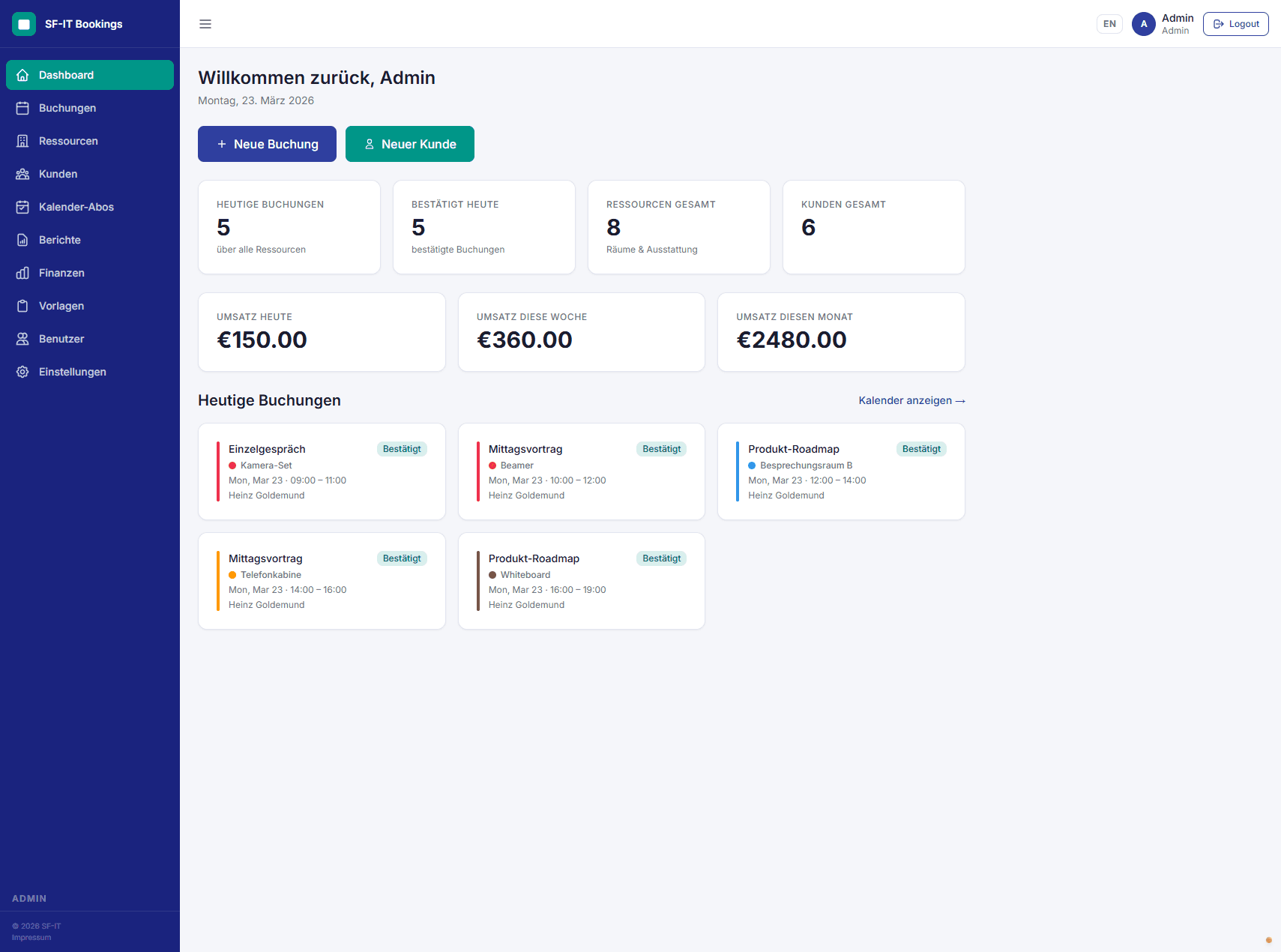
All features at a glance
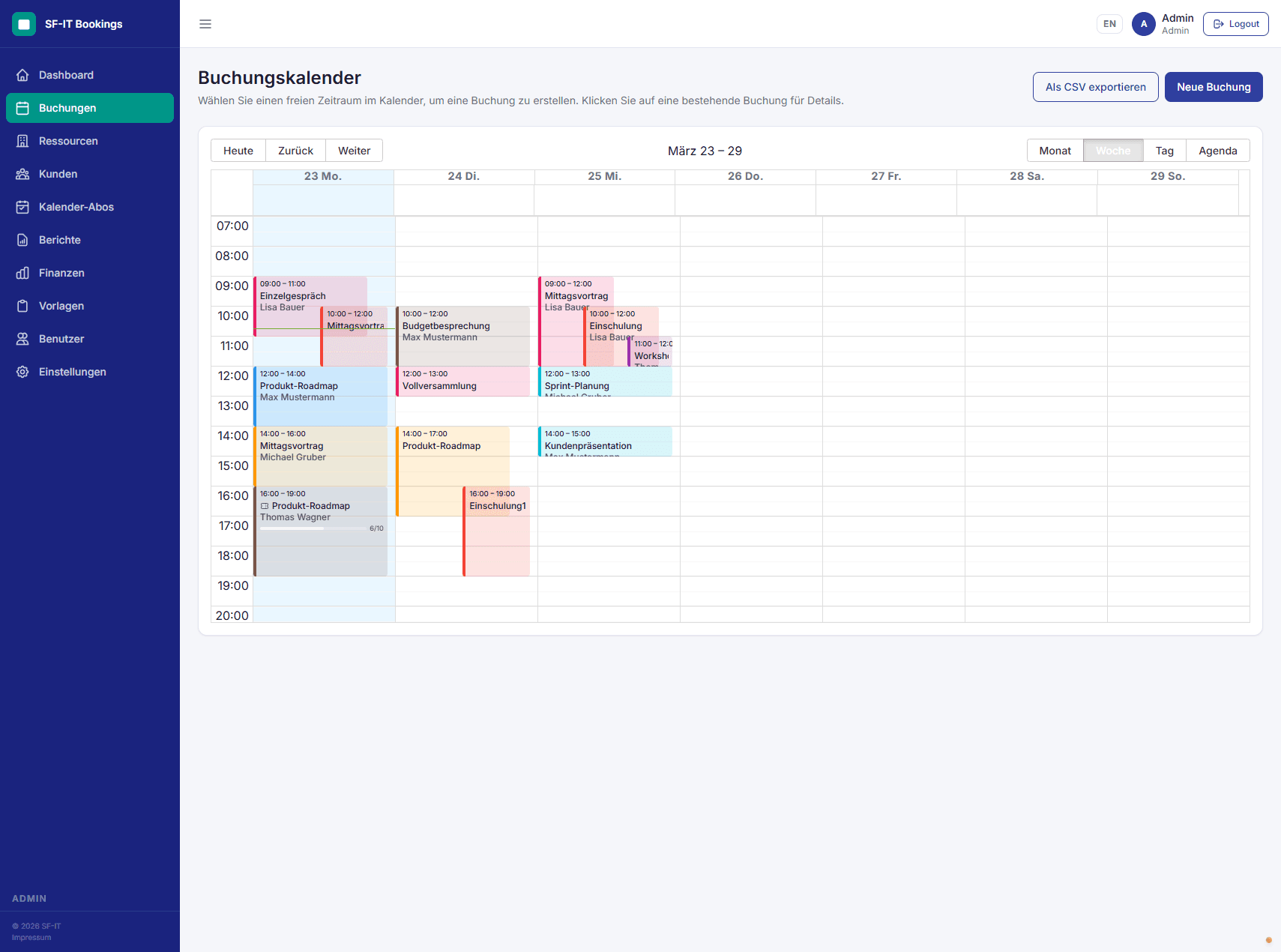
Booking calendar
Clear week / month views with drag & drop, color-coded by resource. Real-time conflict detection.
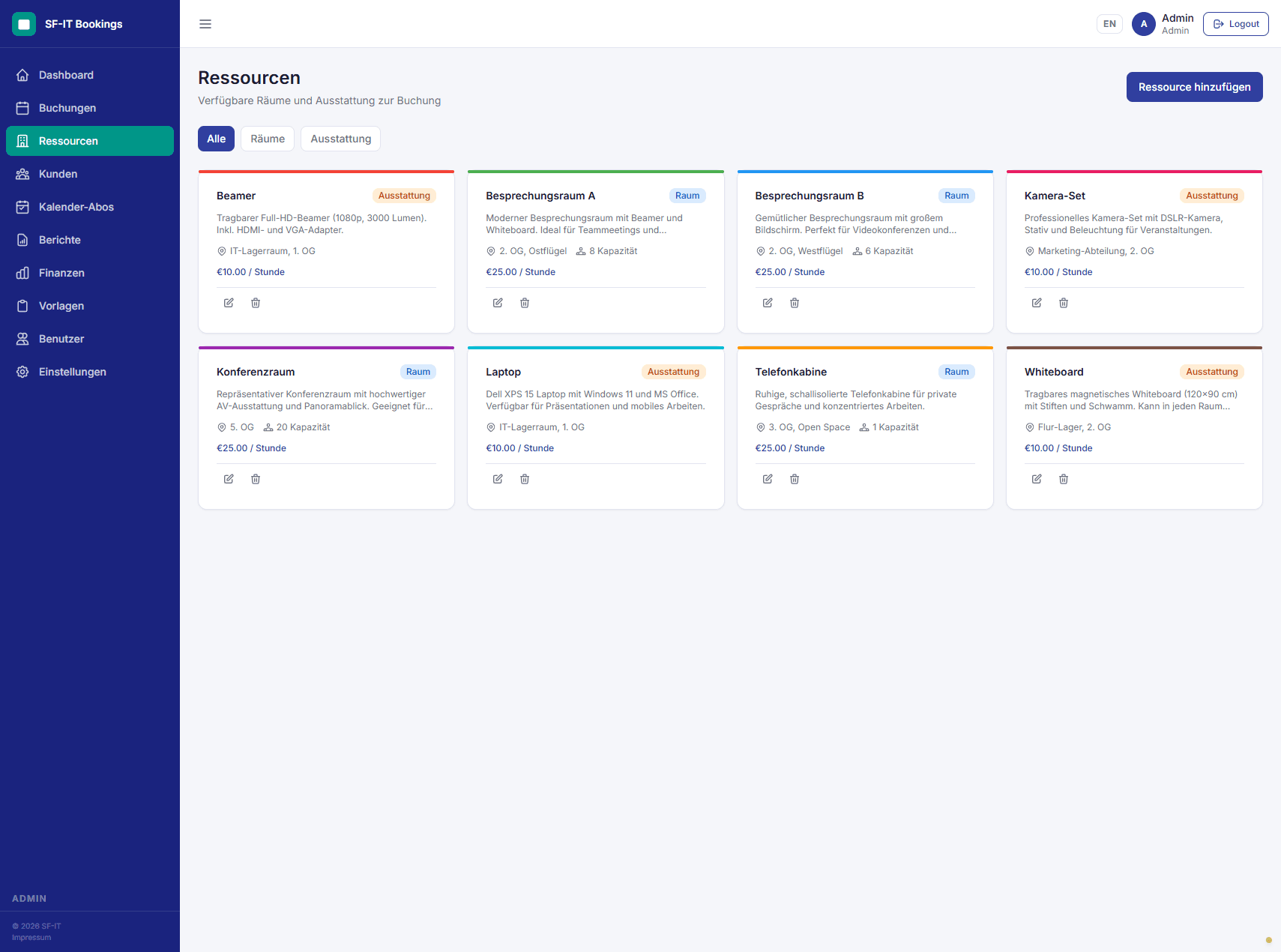
Resources & pricing
Rooms and equipment with flexible pricing: hourly, daily, or flat rates. Availability windows and capacity limits.
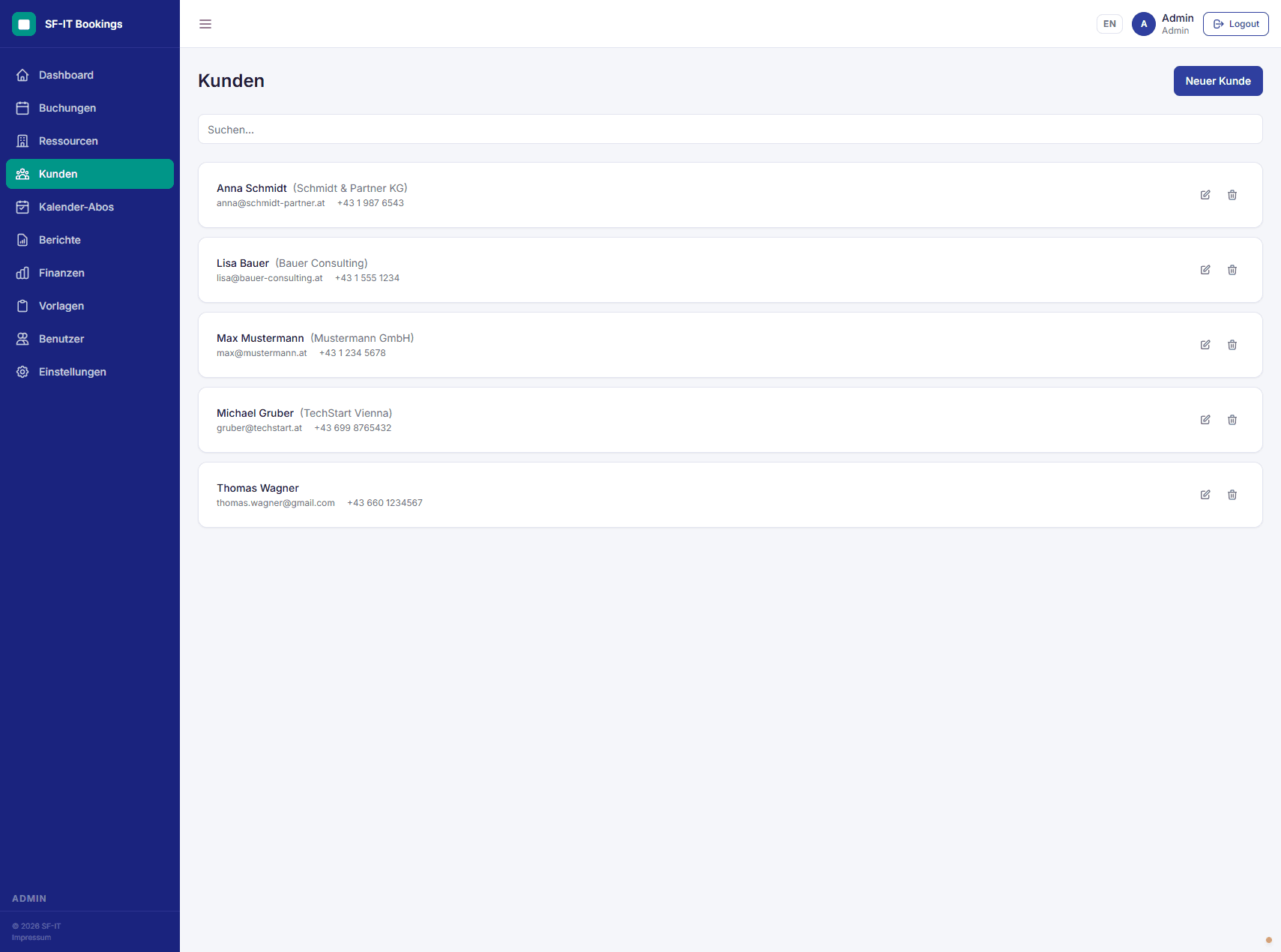
Client management
Clients and companies managed centrally. Every booking tied to a client for full traceability.
Public sign-up pages
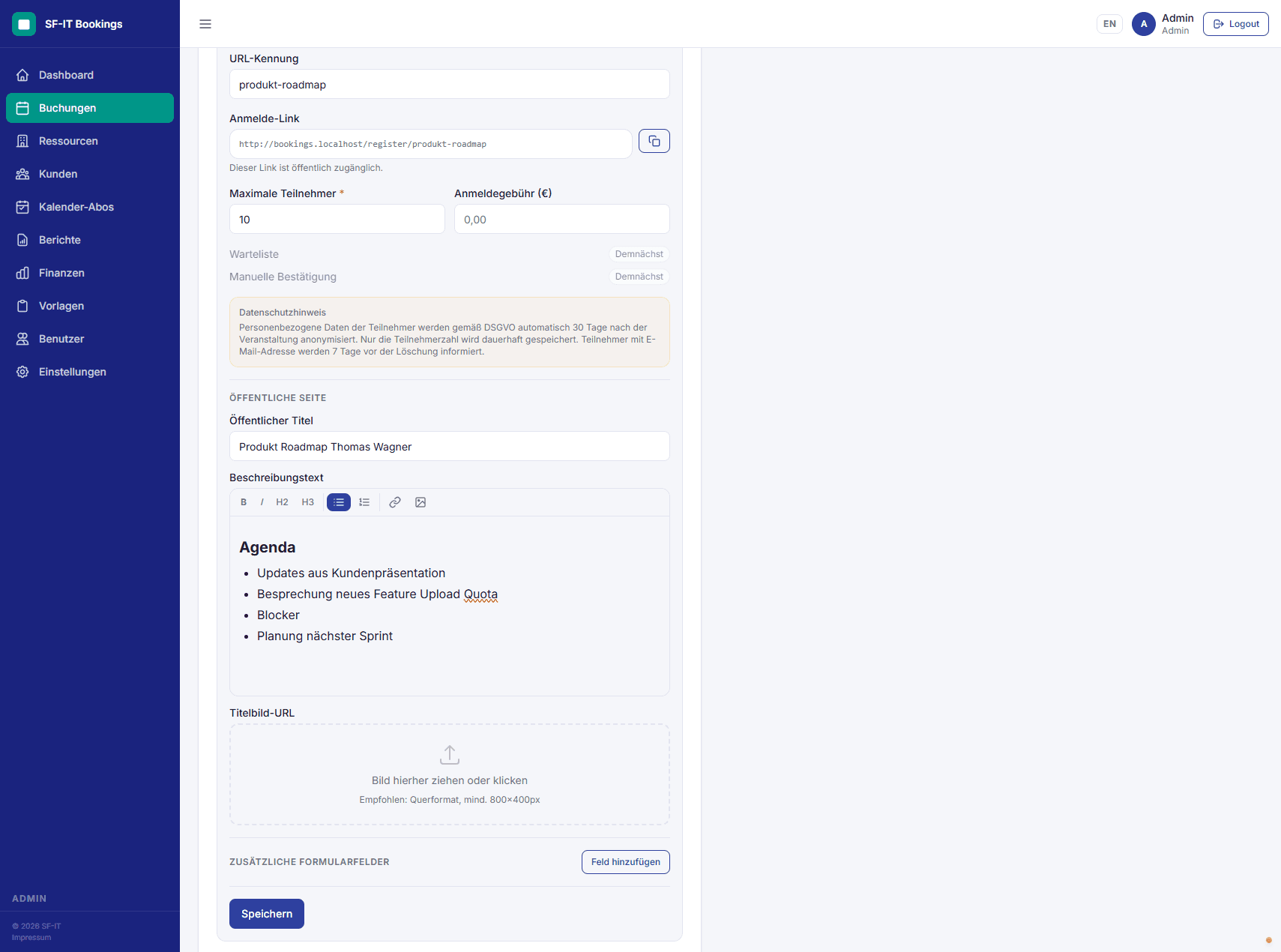
Build professional registration pages for events with limited capacity. Custom forms, seat management, automatic confirmation emails.
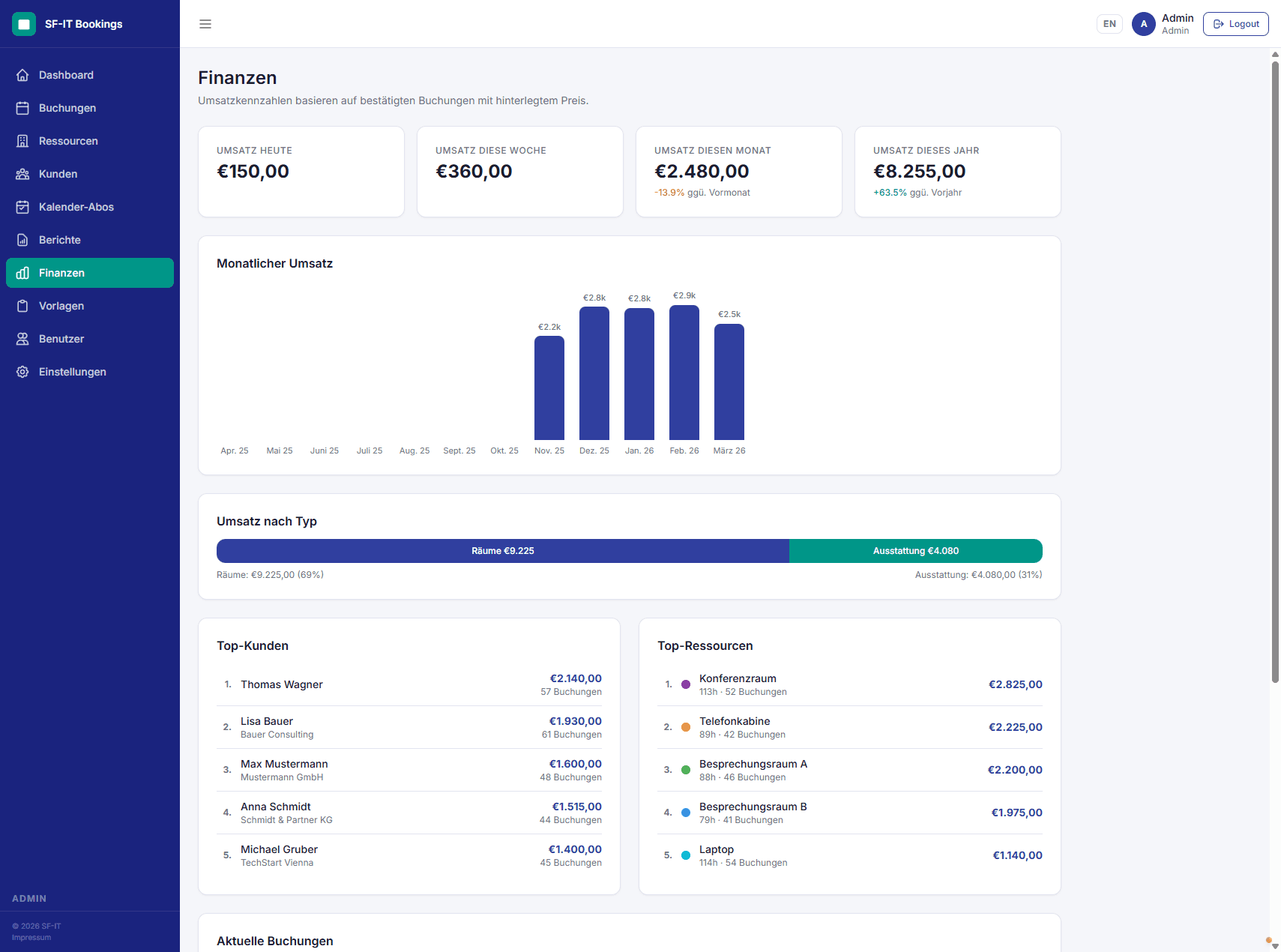
Finance dashboard & reports
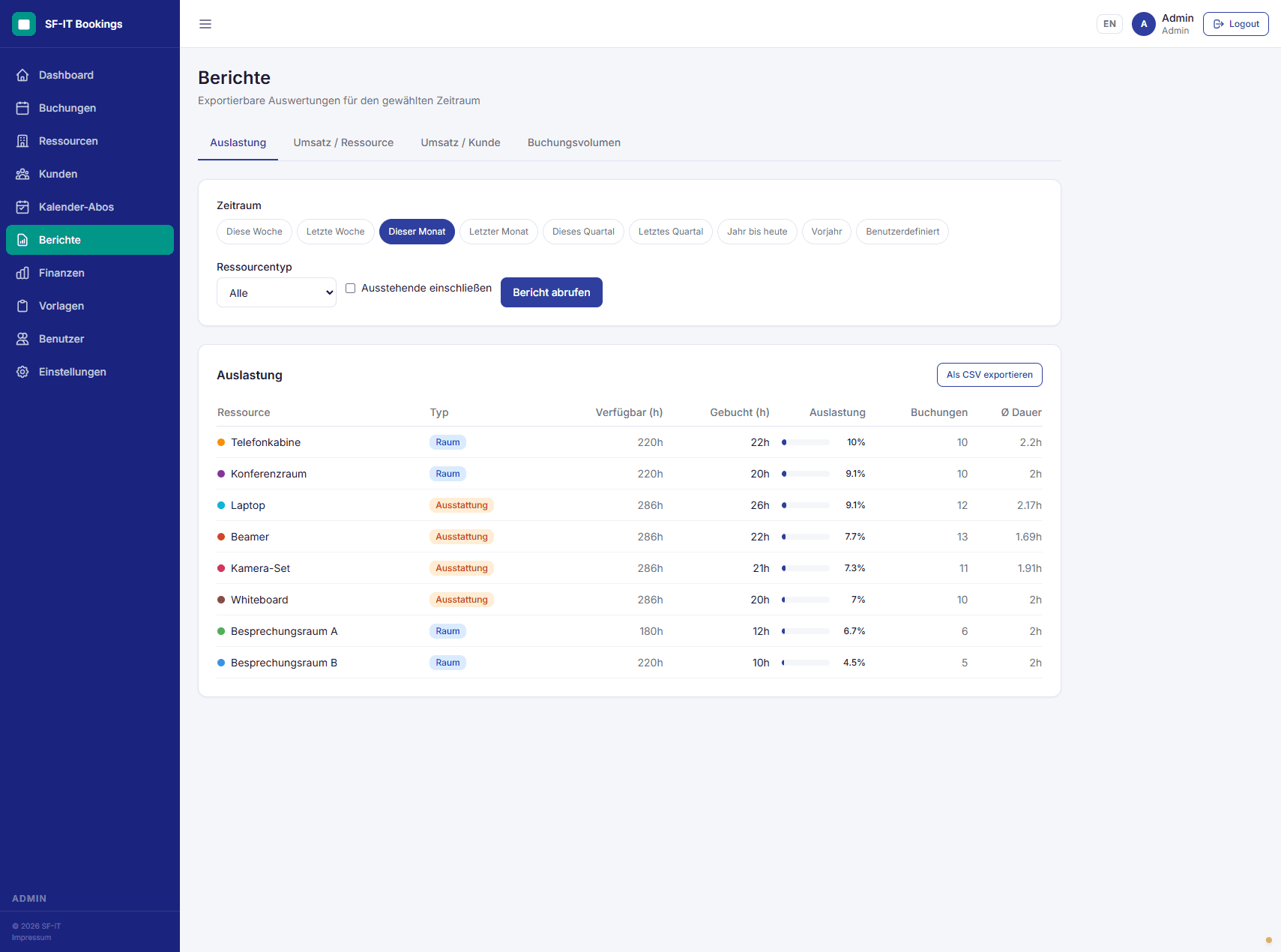
Revenue at a glance: by resource, client, or period. Exportable reports for utilization, revenue, and booking volume.
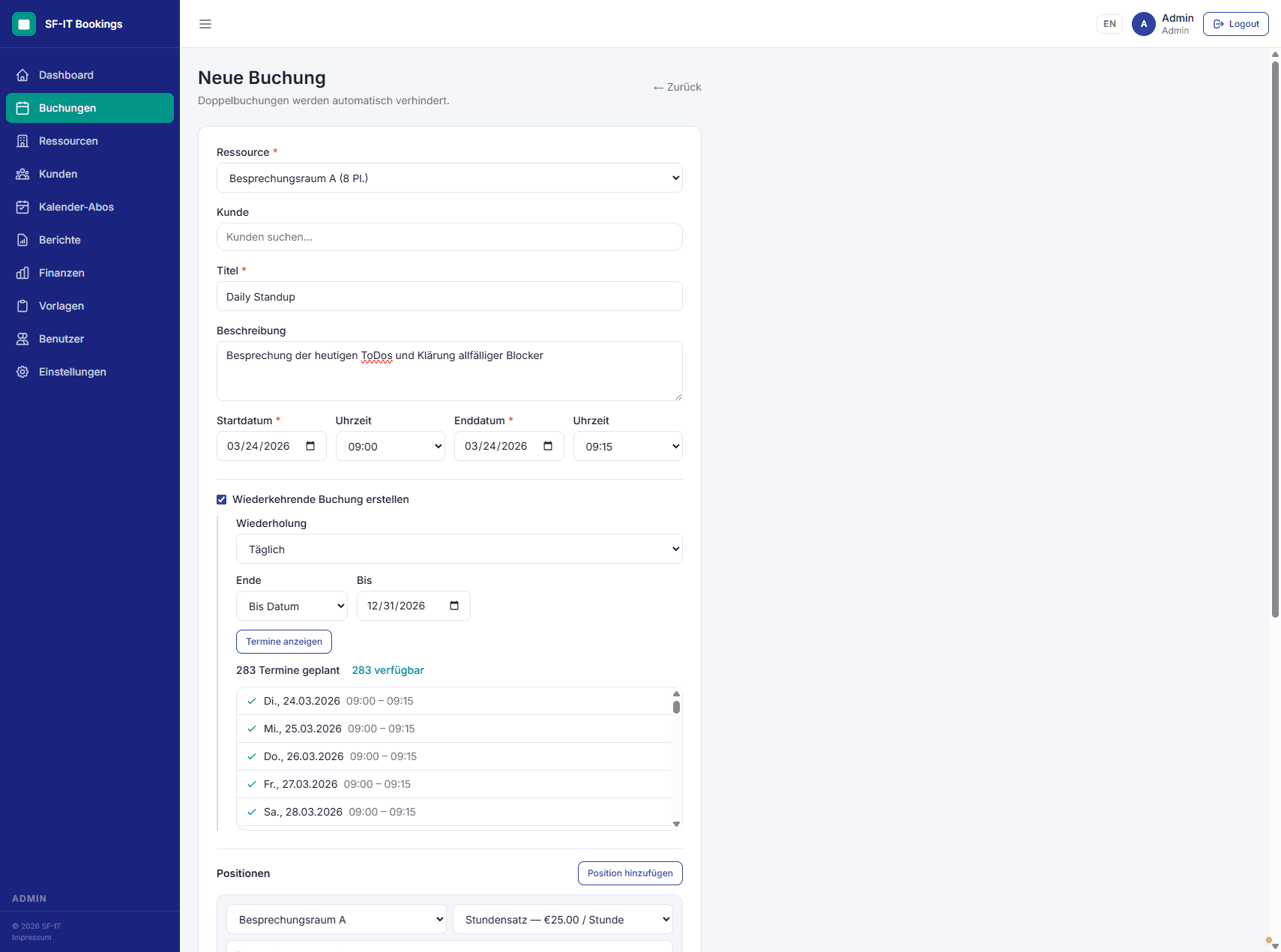
Recurring bookings
Daily, weekly, or monthly series with automatic conflict detection. DST-aware.
PDF export & calendar feeds
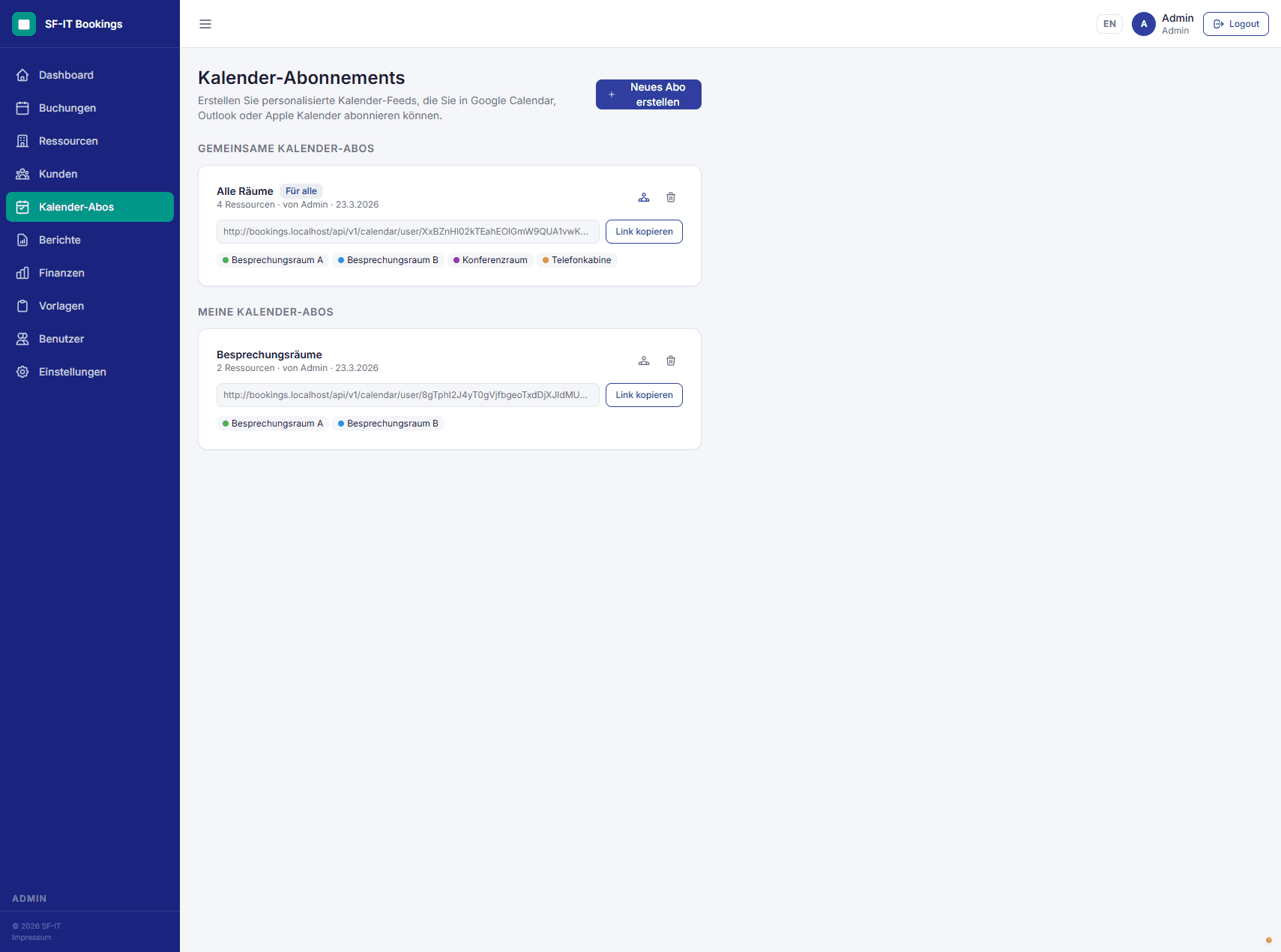
Booking summaries as PDF. iCal feeds per resource or as a personal subscription for Google Calendar, Outlook, etc.
Global search
Instantly find bookings, resources, clients, users and registrations from one central search with autocomplete — reachable from anywhere via a keyboard shortcut (⌘K). Registration numbers jump straight to the matching booking.
Embed in your website
Drop registration forms straight into your own website via iFrame or web component — with customizable styling. New: the “light” registration page shows only date, time and the form, with no distractions.
Event images & shared bookings
Add an event image to any booking. It appears on the shareable public booking page and in calendar feeds, and serves as the fallback cover image for the registration page — recurring bookings inherit it automatically.
User onboarding
New users automatically receive a secure initial password and, optionally, a welcome email with login instructions. A password change on first login is enforced.
GDPR-compliant
Automatic deletion of personal registration data 30 days after the event. Configurable imprint and privacy policy.
Bilingual
Fully available in German and English. Instant switch via language selector.
Securely hosted
Your own instance on sf-it.app — separate database, your own branding, no shared tenant. On-premise on request.
Who is SF-IT Bookings for?
Theaters & cultural venues
Shows, rehearsal weeks, ticketed sign-ups with .ics invites — all in one calendar.
Coworking spaces
Meeting rooms, phone booths, monthly utilization reports — without the price tag of full-stack suites.
Schools & training centers
Course sign-ups for parents, calendar across all instructors' rooms, revenue per course at term end.
Associations & non-profits
Room management, equipment lending, shared spaces — with bilingual UI and GDPR compliance built in.
Straightforward pricing
14 days free. No upfront payment, no credit card at request. Annual billing is the default — monthly available on request.
Starter
For venues with one space and a small team.
Billed annually
- ✓5 resources (rooms + equipment combined)
- ✓5 admin users
- ✓Unlimited bookings and registrations
- ✓All features included
Best fit: single-venue theaters, small cultural spaces, training rooms with a handful of presenters.
Start 14-day trialPro
For venues with multiple rooms and/or larger teams.
Billed annually
- ✓Unlimited resources
- ✓Unlimited admin users
- ✓Unlimited bookings and registrations
- ✓All features included
Best fit: coworking spaces, multi-room schools, training centers — anywhere with more than 5 resources.
Start 14-day trialOn-Premise
For institutional customers who need their own infrastructure, security review, or custom integrations.
- ✓Hosted on your own infrastructure
- ✓Internal SMTP / SSO possible
- ✓Security review and custom integrations
- ✓Scale as needed
Talk to us
No setup fee on Starter & Pro · Every feature in every tier — capacity is the only difference. On-premise is quoted individually.
From first contact to live instance
No instant signup — instead a short kickoff call so your instance fits from day one.
- Step 1
Request
You reach out via the contact form. Tier (Starter or Pro) and billing (annual or monthly) get decided on the call.
- Step 2
Kickoff call
We set up branding, timezone, and your initial resource list together — usually same-day. Your instance goes live.
- Step 3
14 days free
Full product, no restrictions. On day 15, the first billing period starts. Cancel before then and you owe nothing.
Common questions
How does the 14-day trial work?↓
After the kickoff call your instance goes live — that day starts the 14-day clock. You get the full product, no restrictions. On day 15, the first invoice is issued for your chosen tier and billing period. Cancel before day 15 and you owe nothing; the instance is deleted 7 days after cancellation (data dump available on request).
Annual or monthly billing?↓
Annual is the default offer (€499 Starter / €999 Pro per year). Monthly billing is available on request (€49 / €99 per month). Seasonal venues are usually better off on annual.
What counts as a resource?↓
A resource is anything bookable: a room, a stage, a piece of equipment, a shared desk. Starter covers up to 5 resources (rooms + equipment combined); Pro has no limit.
Is the platform GDPR-compliant?↓
Yes. Personal data from public event sign-ups is auto-deleted 30 days after the event. Imprint and privacy policy are configurable in the admin area. Hosting is in the EU.
Can I export my data?↓
Yes. On request you get a full Postgres dump of your instance. Booking summaries are always available as PDF exports; calendar feeds as iCal.
What happens after I cancel?↓
Your instance stays active until the end of your billing period. It is then deleted 7 days later. During that window you can request a data dump.
Your 14 days start with one message.
Drop me a line — what kind of venue you run and which tier fits. We schedule a short kickoff and your instance is usually live the same day.